Getting Emacs proced.el to Show CPU and Memory on macOS

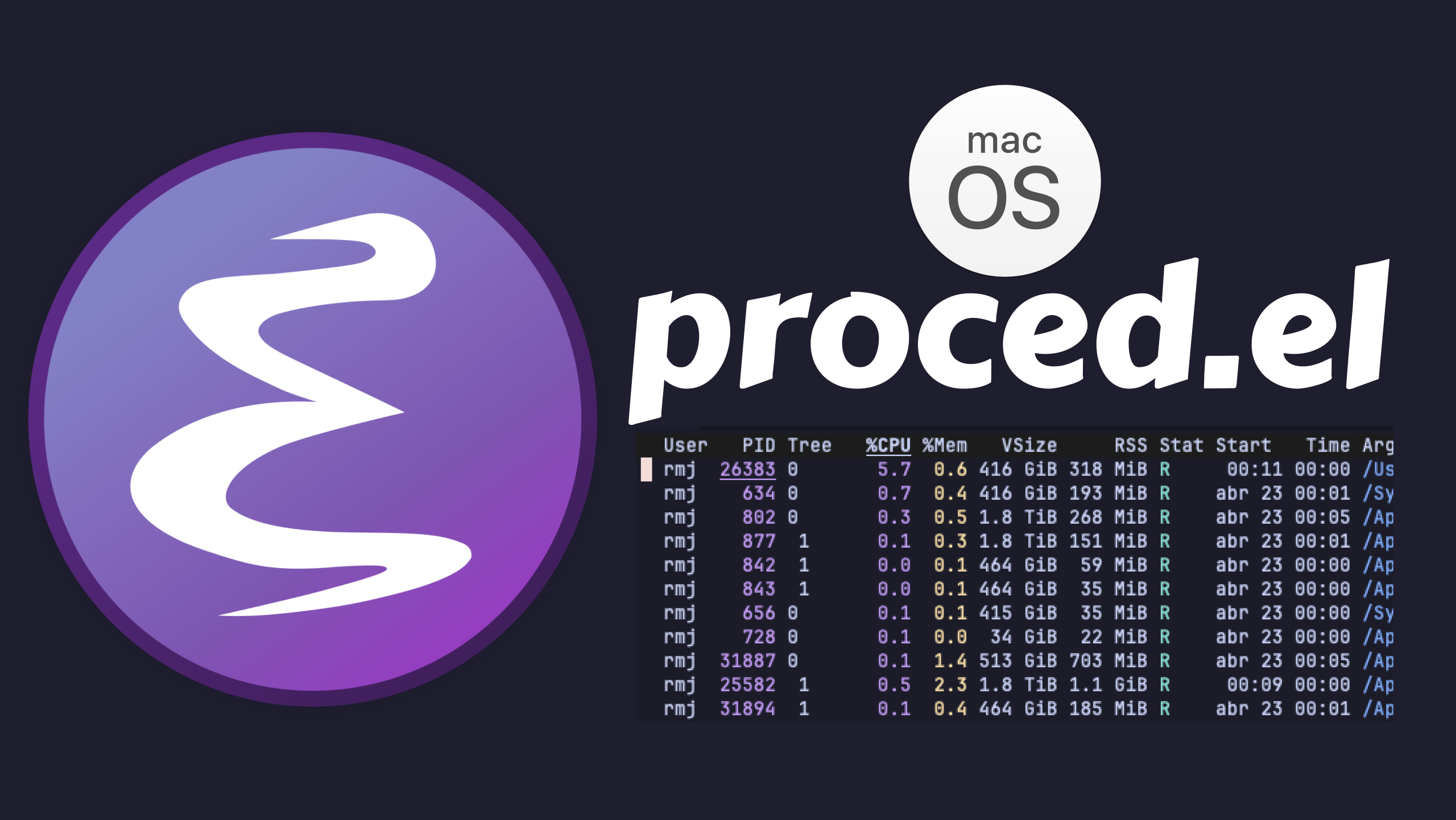
I have used the proced.el package in Emacs on Linux for years. It is
my go-to "ps as a buffer". A nicely formatted, colorized listing of
every running process, with auto-update and tree view. I use it far
more often than top, htop, or similar tools.
But on macOS I noticed something important is missing: no CPU or memory columns.
The reason lives in Emacs itself, since proced.el does asks the C
function system_process_attributes in src/sysdep.c for a plist of
fields per PID. On Linux that function pulls %CPU and %Mem out of
/proc/*/stat. On the BSDs and Windows it computes them from the
native APIs. On Darwin, though, the implementation simply never fills
in pcpu or pmem, even though it already calls proc_pidinfo for
things like vsize and rss. The data is reachable through
proc_pid_rusage, task_info, and sysctl hw.memsize, it just is
not wired up. So proced has nothing to show in those columns. Maybe
a patch idea for later? (Edit: I did proposed one possible solution
for this problem, hopefully done the "right way":
here).
I wanted to figure it out if I could somehow fix it on the lisp side of the equation. It turned out to be a fun Emacs Lisp exercise.
I am sharing this walk-through for educational purposes. The point of breaking the code down step by step is to show how the pieces fit together. Reading and dissecting code like this is one of the best ways to learn Emacs Lisp. And even if the Darwin gap eventually gets patched upstream, this exercise still stands on its own if you want to understand a bit more about how Emacs works under the hood.
What we aim to achieve
After this setup, our proced buffer on macOS looks a bit more like
it does on Linux:
 PID    %CPU    %Mem    COMMAND
 712     2.4     1.3    /Applications/Safari...
 438     0.8     0.9    /usr/bin/emacs...
  86     0.3     0.2    /Applications/Podman Desktop...
The %CPU and %Mem values come from running ps on the system,
cached and refreshed every couple of seconds, all from within Emacs.
Let me walk you through how it works.
My base configuration
This is my normal proced setup, nothing unusual at all:
(use-package proced
  :ensure nil
  :defer t
  :custom
  (proced-enable-color-flag t)
  (proced-tree-flag t)
  (proced-auto-update-flag 'visible)
  (proced-auto-update-interval 1)
  (proced-descend t)
  (proced-format 'medium) ;; can be changed interactively with `F'
  (proced-filter 'user))  ;; can be changed interactively with `f'
This gives me an auto-updating, colorized, tree-view proced. On
Linux it shows %CPU and %Mem out of the box. On macOS the same
config is identical, except for those missing columns.
The core idea
The approach is straightforward, and I like keeping a clear mental model of what is going on:
→ Run ps -axo pid=,%cpu=,%mem= to grab the process info.
→ Parse the output and stash it in a hash table keyed by PID.
→ Hook two new attributes (pcpu and pmem) into
proced-custom-attributes.
→ Periodically refresh the hash table with a timer.
It is a bit unorthodox, pulling data externally and caching it by hand, but it works. And it teaches you a lot about Emacs along the way, which is our main goal.
Running ps in the background
We use make-process to run ps asynchronously. The key pieces:
(when (eq system-type 'darwin)
  (defvar emacs-solo--proced-ps-cache (make-hash-table))
  (defvar emacs-solo--proced-ps-timer nil)

  (defun emacs-solo--proced-ps-do-refresh ()
	(make-process
	 :name "proced-ps-refresh"
	 :buffer (generate-new-buffer " *proced-ps-temp*")
	 :command '("env" "LC_ALL=C" "ps" "-axo" "pid=,%cpu=,%mem=")
	 :noquery t
	 :sentinel
	 (lambda (proc _event)
	   (when (eq (process-status proc) 'exit)
		 (let ((new-cache (make-hash-table)))
		   (with-current-buffer (process-buffer proc)
			 (goto-char (point-min))
			 (while (not (eobp))
			   (when (looking-at
					  (rx (* blank)
						  (group (+ digit))
						  (+ blank)
						  (group (+ (any digit ?.)))
						  (+ blank)
						  (group (+ (any digit ?.)))))
				 (puthash
				  (string-to-number (match-string 1))
				  (cons (string-to-number
						 (match-string 2))
						(string-to-number
						 (match-string 3)))
				  new-cache))
			   (forward-line 1)))
		   (kill-buffer (process-buffer proc))
		   (setq emacs-solo--proced-ps-cache new-cache))))))
		   ;; ...
A few things to note:
→ LC_ALL=C can affect how ps formats its output. Forcing a C
locale keeps it predictable.
→ The sentinel only runs once the process has exited. That is
when we know the buffer contains the full output.
→ The rx regex I use extended regex for cleaner matching. There
are three groups: PID (integer), %CPU (float), %Mem
(float). They land in match-string 1, 2, and 3.
→ puthash stores a cons of CPU and memory as the value,
keyed by the PID.
Why a hash table? Because the proced package calls our custom
attributes per process. A hash lookup by PID is fast, even when you
have hundreds of processes listed.
Simple lookup helpers
Trivial functions that pull from the cached hash. These are what
proced-custom-attributes will call:
(defun emacs-solo--proced-pcpu (pid)
  (car (gethash pid emacs-solo--proced-ps-cache)))

(defun emacs-solo--proced-pmem (pid)
  (cdr (gethash pid emacs-solo--proced-ps-cache)))
That is all they do. car for CPU, cdr for memory.
Hooking it into proced
This is the part that connected everything. The proced package
supports custom attributes, which are lambdas that receive each
row's data and return an additional property.
We also guard every branch with file-remote-p on default-directory.
When proced-show-remote-processes is non-nil and the buffer is
pointing at a remote host, our local ps data is meaningless (and
worse, the cached local PIDs could collide with remote ones). So the
timer does not run, and the custom attributes return nothing:
(add-hook 'proced-mode-hook
		  (lambda ()
			(unless (file-remote-p default-directory)
			  (setq emacs-solo--proced-ps-timer
					(run-with-timer 0 2
									#'emacs-solo--proced-ps-do-refresh)))))

(setq proced-custom-attributes
	  (list
	   (lambda (attrs)
		 (unless (file-remote-p default-directory)
		   (when-let*
			   ((pid (cdr (assq 'pid attrs)))
				(v (emacs-solo--proced-pcpu pid)))
			 (cons 'pcpu v))))
	   (lambda (attrs)
		 (unless (file-remote-p default-directory)
		   (when-let*
			   ((pid (cdr (assq 'pid attrs)))
				(v (emacs-solo--proced-pmem pid)))
			 (cons 'pmem v))))))
Two lambdas, one for CPU and one for memory. Each one:
- Bails out if the buffer is remote.
- Extracts the PID from
proced's attribute list (attrs). - Looks up the value in our hash table.
- Returns a cons
(keyword . value). That is what tellsprocedto add the column.
The timer runs every 2 seconds to keep the data fresh. I put the
timer start inside proced-mode-hook because it only makes sense
when the proced buffer is present and local.
Cleaning up
We do not want to leave timers dangling when the buffer is killed:
(add-hook 'kill-buffer-hook
			(lambda ()
			  (when (and (derived-mode-p 'proced-mode)
						 (timerp emacs-solo--proced-ps-timer))
				(cancel-timer emacs-solo--proced-ps-timer)
				(setq emacs-solo--proced-ps-timer nil))))
Simple. Cancel the timer when the proced buffer is killed. The guard
checks that the buffer is in proced-mode and that the variable holds
an actual timer to avoid errors on first load.
What we've covered
Summarizing:
→ proced-custom-attributes is a list of lambdas called per row.
Each lambda receives the row's attributes and returns
(keyword . value), which then becomes a new column.
→ proced-mode-hook is the right place to hook things that need
to start when the proced buffer appears.
→ run-with-timer is the standard way to do periodic updates in
Emacs. Unlike run-at-time, it returns a timer object you can
cancel.
→ make-process with a sentinel is the idiomatic way to
handle async external commands. The sentinel fires when the
process state changes. In our case we only care about the 'exit
state.
→ file-remote-p on default-directory is how you detect that
a buffer is operating on a TRAMP host. Useful whenever your local
hack should not leak into a remote context.
The complete code
Here is the full block you can copy and paste directly:
(use-package proced
  :ensure nil
  :defer t
  :custom
  (proced-enable-color-flag t)
  (proced-tree-flag t)
  (proced-auto-update-flag 'visible)
  (proced-auto-update-interval 1)
  (proced-descend t)
  (proced-format 'medium) ;; can be changed interactively with `F'
  (proced-filter 'user)   ;; can be changed interactively with `f'
  :config
  (when (eq system-type 'darwin)
	(defvar emacs-solo--proced-ps-cache (make-hash-table))
	(defvar emacs-solo--proced-ps-timer nil)

	(defun emacs-solo--proced-ps-do-refresh ()
	  (make-process
	   :name "proced-ps-refresh"
	   :buffer (generate-new-buffer " *proced-ps-temp*")
	   :command '("env" "LC_ALL=C" "ps" "-axo"
				  "pid=,%cpu=,%mem=")
	   :noquery t
	   :sentinel
	   (lambda (proc _event)
		 (when (eq (process-status proc) 'exit)
		   (let ((new-cache (make-hash-table)))
			 (with-current-buffer (process-buffer proc)
			   (goto-char (point-min))
			   (while (not (eobp))
				 (when (looking-at
						(rx (* blank)
							(group (+ digit))
							(+ blank)
							(group (+ (any digit ?.)))
							(+ blank)
							(group (+ (any digit ?.)))))
				   (puthash
					(string-to-number (match-string 1))
					(cons (string-to-number
						   (match-string 2))
						  (string-to-number
						   (match-string 3)))
					new-cache))
				 (forward-line 1)))
			 (kill-buffer (process-buffer proc))
			 (setq emacs-solo--proced-ps-cache new-cache))))))

	(defun emacs-solo--proced-pcpu (pid)
	  (car (gethash pid emacs-solo--proced-ps-cache)))

	(defun emacs-solo--proced-pmem (pid)
	  (cdr (gethash pid emacs-solo--proced-ps-cache)))

	(add-hook 'proced-mode-hook
			  (lambda ()
				(unless (file-remote-p default-directory)
				  (setq emacs-solo--proced-ps-timer
						(run-with-timer 0 2
										#'emacs-solo--proced-ps-do-refresh)))))

	(add-hook 'kill-buffer-hook
			  (lambda ()
				(when (and (derived-mode-p 'proced-mode)
						   (timerp emacs-solo--proced-ps-timer))
				  (cancel-timer emacs-solo--proced-ps-timer)
				  (setq emacs-solo--proced-ps-timer nil))))

	(setq proced-custom-attributes
		  (list
		   (lambda (attrs)
			 (unless (file-remote-p default-directory)
			   (when-let*
				   ((pid (cdr (assq 'pid attrs)))
					(v (emacs-solo--proced-pcpu pid)))
				 (cons 'pcpu v))))
		   (lambda (attrs)
			 (unless (file-remote-p default-directory)
			   (when-let*
				   ((pid (cdr (assq 'pid attrs)))
					(v (emacs-solo--proced-pmem pid)))
				 (cons 'pmem v))))))))
If you end up doing something similar, I would love to hear about it. What kind of hacks have you built in Emacs?
Other Resources
If you'd like to learn more about proced.el:
→ https://laurencewarne.github.io/emacs/programming/2022/12/26/exploring-proced.html
→ https://www.masteringemacs.org/article/displaying-interacting-processes-proced
→ https://github.com/emacs-mirror/emacs/blob/master/lisp/proced.el
If you'd like to learn more about emacs lisp:
→ https://www.gnu.org/software/emacs/manual/elisp.html
→ https://protesilaos.com/emacs/emacs-lisp-elements
Edit
2026-04-24: Removed useless call to proced-toggle-auto-update as
it is not needed. As noted by the_cecep on reddit.
2026-04-24: Fixed typo on variable name proced-descend thanks to
Stéphane Marks and morganw for pointing it.
2026-04-24: Added https://debbugs.gnu.org/cgi/bugreport.cgi?bug=80898 reference.
2026-04-24: Guarded the Darwin ps timer and the
proced-custom-attributes lambdas with file-remote-p on
default-directory, so they do not run (and do not leak local PID
data) when proced-show-remote-processes is non-nil and the buffer
is on a remote host. Thanks to Stéphane Marks for the suggestion.